
Pebble Keyboard2.003 - Get APK
You'll be able to download in few seconds.
Publisher Description
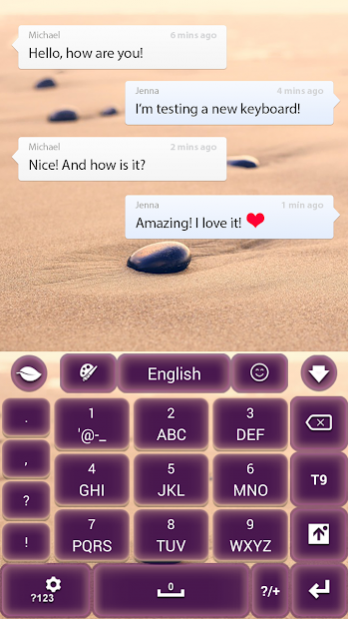


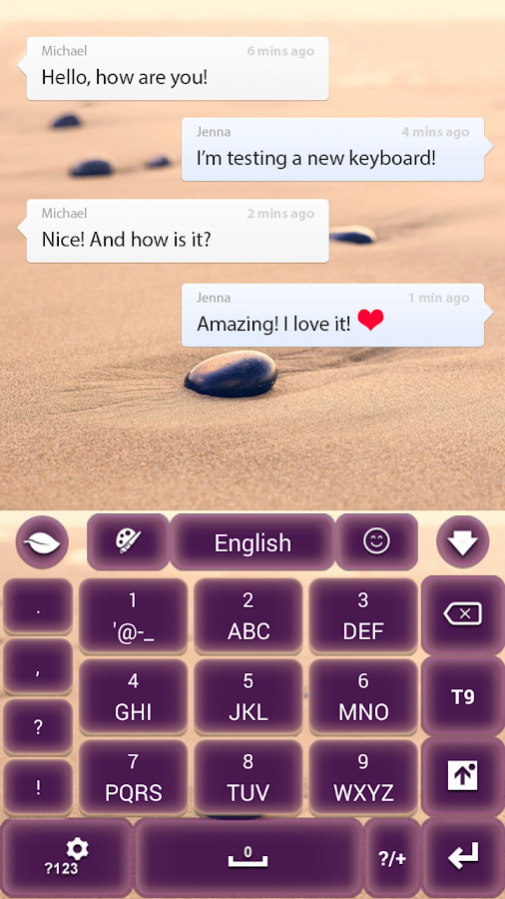
Don't you just love going to the beach? Feeling the sand on your toes? Getting into a zen vibe on the beach, while making beautiful drawings in the sand will make you feel like nothing can ever bother you.
Throwing a pebble into the sea will create some ripples but, if the sea is really calm you might be able to try to bounce that pebble many times off the surface of the water.
The beach is a beautiful place to enjoy laying in the sun, on the hot sand, enjoying a cold drink while you draw in the sand with your pebble.
Your zen meter is going to grow a lot when you play in the sand at the beach with your favorite pebble. This awesome pebble helps your zen routines as much as this amazing app will decorate your smartphone.
GO Keyboard Themes are only available for smartphones with GO Keyboard app installed.
You can install GO Keyboard from here -
GO Keyboard
How to Apply:
Step 1. Press Download.
Step 2. Press the "Open" button from here (after the installation is done) and then press "Apply this Theme" button.
You will find this theme in "Local".
This theme is at high-resolution, perfect for every smartphone, it's free and it's translated in different languages.
Please don't forget to Rate and Comment after you install, your opinion is very important to us!
And try out our other free apps, we have many beautiful free themes for your android smartphone!
Contact us at supercolor.themes@gmail.com with any suggestions or questions you have.
Thank you for choosing us! Have fun with this amazing Go Keyboard Theme.
About Pebble Keyboard
The company that develops Pebble Keyboard is SuperColor Themes. The latest version released by its developer is 2.003.
To install Pebble Keyboard on your Android device, just click the green Continue To App button above to start the installation process. The app is listed on our website since 2018-03-05 and was downloaded 0 times. We have already checked if the download link is safe, however for your own protection we recommend that you scan the downloaded app with your antivirus. Your antivirus may detect the Pebble Keyboard as malware as malware if the download link to com.jb.gokeyboard.theme.supercolor.themes.pebble is broken.
How to install Pebble Keyboard on your Android device:
- Click on the Continue To App button on our website. This will redirect you to Google Play.
- Once the Pebble Keyboard is shown in the Google Play listing of your Android device, you can start its download and installation. Tap on the Install button located below the search bar and to the right of the app icon.
- A pop-up window with the permissions required by Pebble Keyboard will be shown. Click on Accept to continue the process.
- Pebble Keyboard will be downloaded onto your device, displaying a progress. Once the download completes, the installation will start and you'll get a notification after the installation is finished.
Program Details
System requirements
Download information
Pricing
Version History
version 2.003
posted on 2018-03-05
Updated app to work with all versions of GO Keyboard and added in a preview once Apply Theme is pressed
Disclaimer
External Download
We do not host Pebble Keyboard on our servers. We did not scan it for viruses, adware, spyware or other type of malware. This app is hosted by Galad and passed their terms and conditions to be listed there. We recommend caution when installing it.
The APK Download link for Pebble Keyboard is provided to you by apps112.com without any warranties, representations or guarantees of any kind, so access it at your own risk.
If you have questions regarding this particular app contact the publisher directly. For questions about the functionalities of apps112.com contact us.
